Create your account
Register an organization through Zitadel and land in your scoped console.
Create your account
upzero has no signup form of its own. Every console user belongs to an organization, and the only way to get your first one is to register it through Zitadel, the identity provider upzero runs for authentication.
Open the registration form
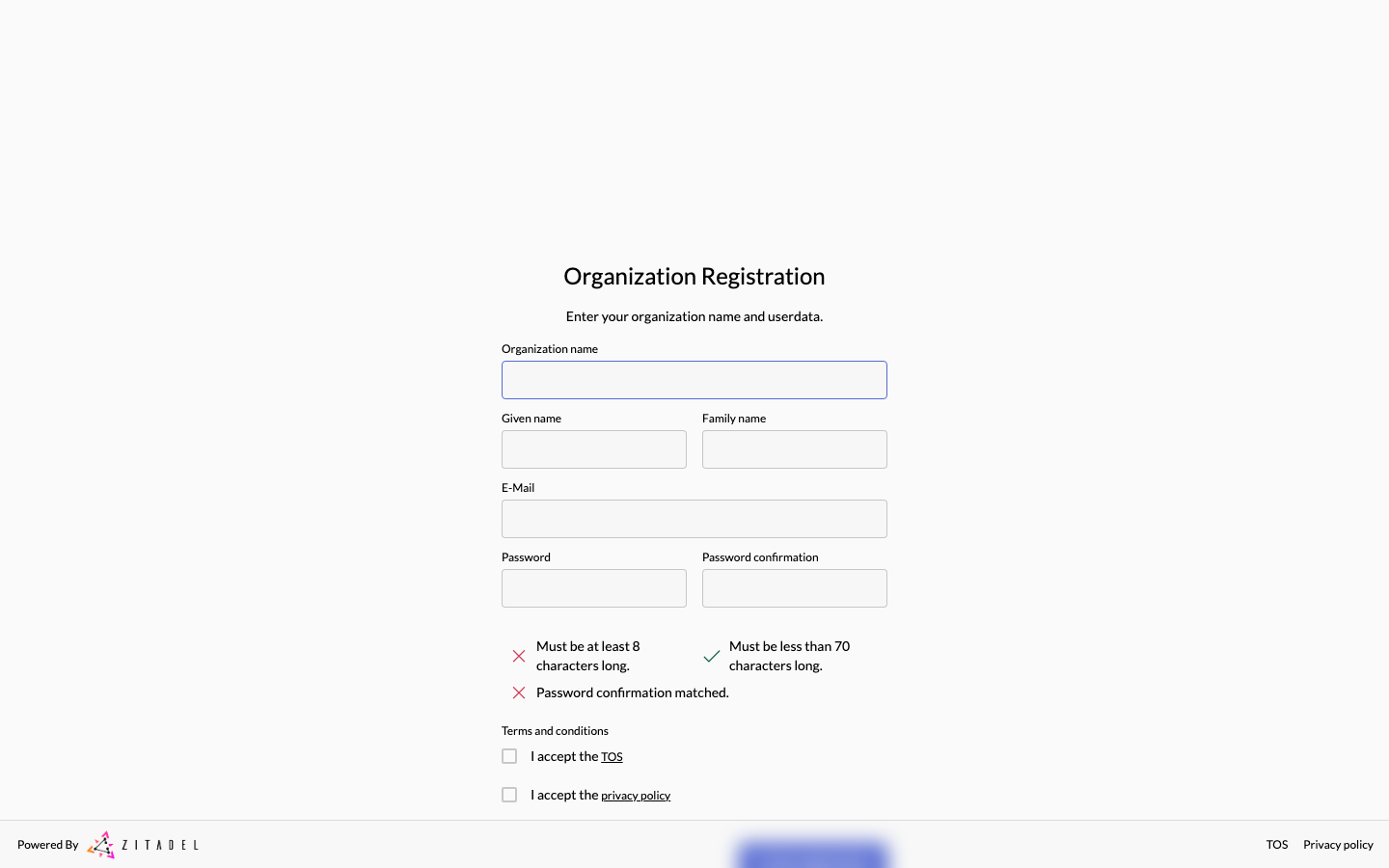
From the console's sign-in screen, follow the "Register an organization" link. It takes you to Zitadel's own organization registration form: your organization's name, your name, your email, and a password.
Verify your email
Zitadel emails you a verification code. Enter it on the next screen to activate the account. Until this step completes you cannot sign in.
Land in your organization
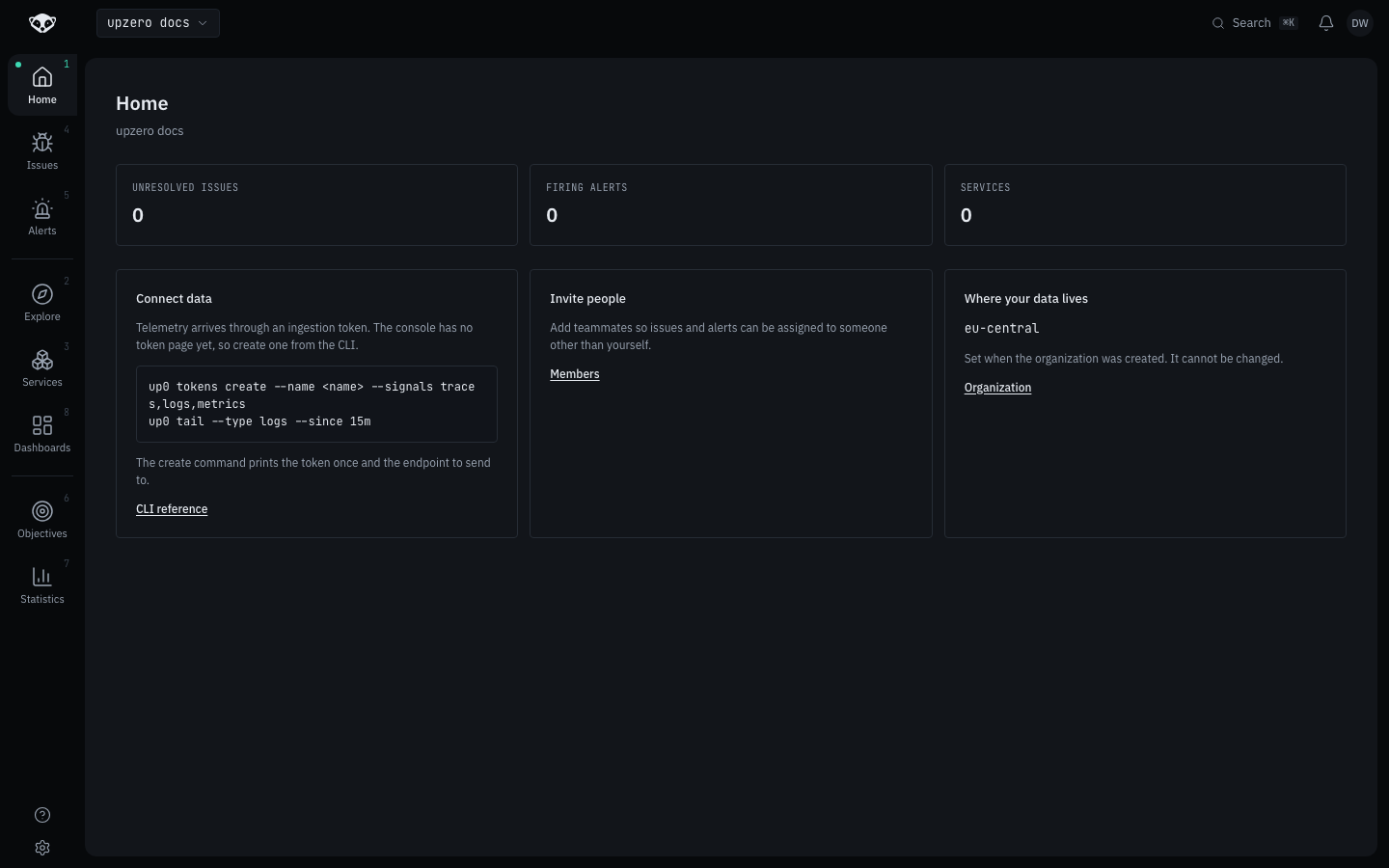
Signing in for the first time provisions your upzero organization automatically, with you as its owner, and takes you straight to the Home page, already scoped to that organization. There is no separate "create organization" step in the console itself.
Inviting the rest of your team
Home's "Invite people" card links to your organization's member list, under Organization. Invited teammates join with the role you give them; see organizations, teams and roles for what the roles mean.
What's next
Install the CLI so you can send data and run commands from your terminal.