Your first issue
What an issue is, where it shows up, and how it differs from an alert and an incident.
Your first issue
An issue is upzero's record of a recurring problem: the same error, seen enough times to be worth your attention, grouped into one place with every time it happened. It appears under Issues in the console sidebar.
A monitor check alone never creates one. Issues come from error-severity telemetry: logs and traces your app sends that look like a failure. On a brand new organization, before any of that has arrived, the Issues page says so plainly:
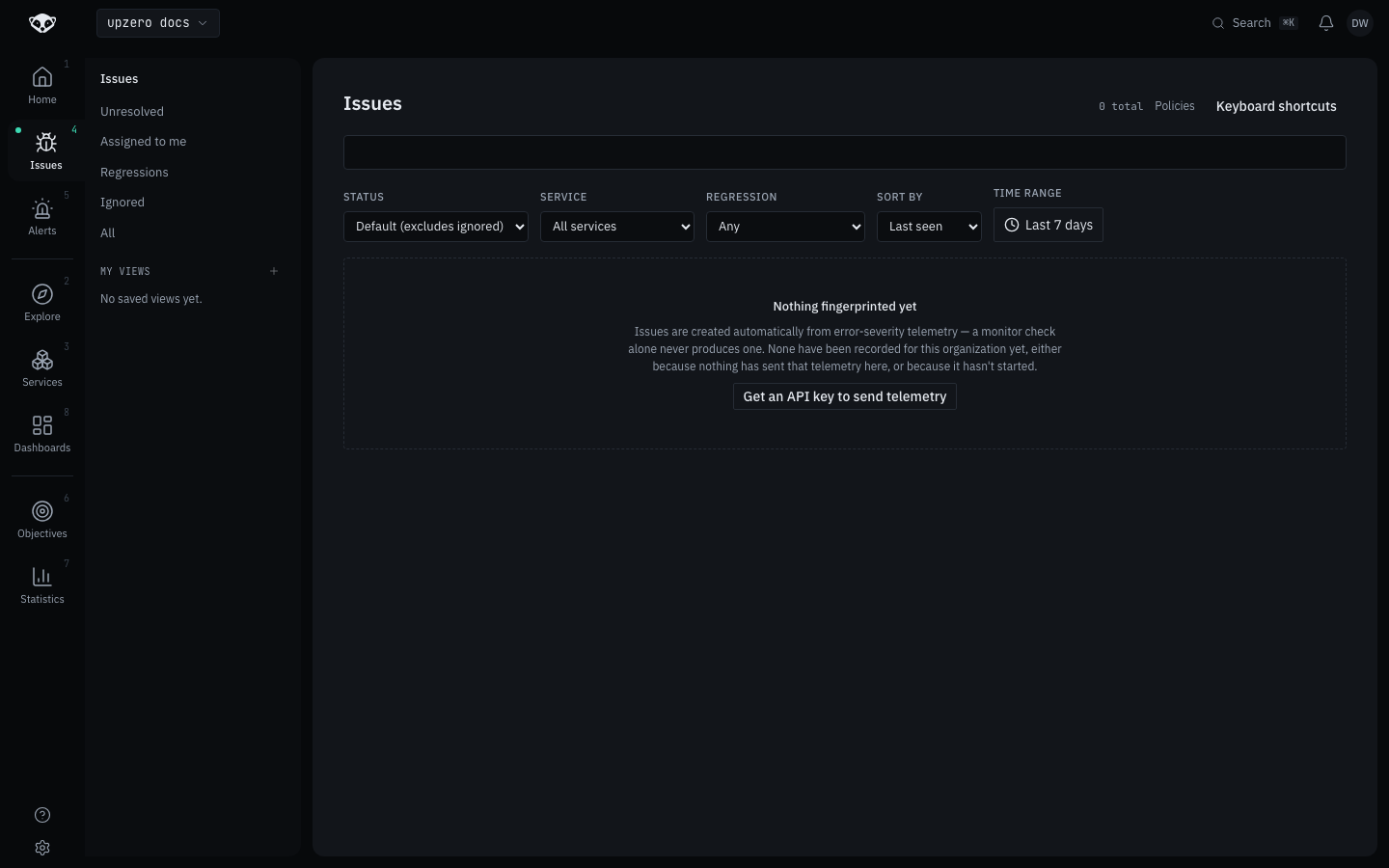
Once your app is sending signals and something in it starts failing repeatedly, an issue for it appears here on its own, no setup required.
Issue, alert or incident
These three sound alike and are easy to conflate. They answer different questions:
- Issue, "this error keeps happening." Purely internal, for the people who operate the system. It can sit open for months with nobody paged.
- Alert, "this condition is true right now." Comes from a rule you or a teammate configured, evaluated continuously against your signals. It clears itself the moment the condition stops matching; a person can silence it but can't close it.
- Incident, "we are responding to this." Declared by a person, either by hand or from a firing alert, and it's the one of the three that can be made visible to your customers on a status page.
One incident can reference several issues. One alert can open one incident. An issue can exist with no alert and no incident at all. See issues, alerts and incidents for how they connect.
What's next
You've been through account, CLI, a signal, a monitor and an issue. From here, Concepts goes deeper on how the pieces fit together, or jump straight into a product area like Monitors or Issues and alerting.