Alerts and silences
Alert list and detail, silences, and maintenance windows as a source of silences.
An alert is the running state of one rule's condition, one row per alert group. /alerts lists them in three bands: firing, pending, and what resolved in the last 24 hours.
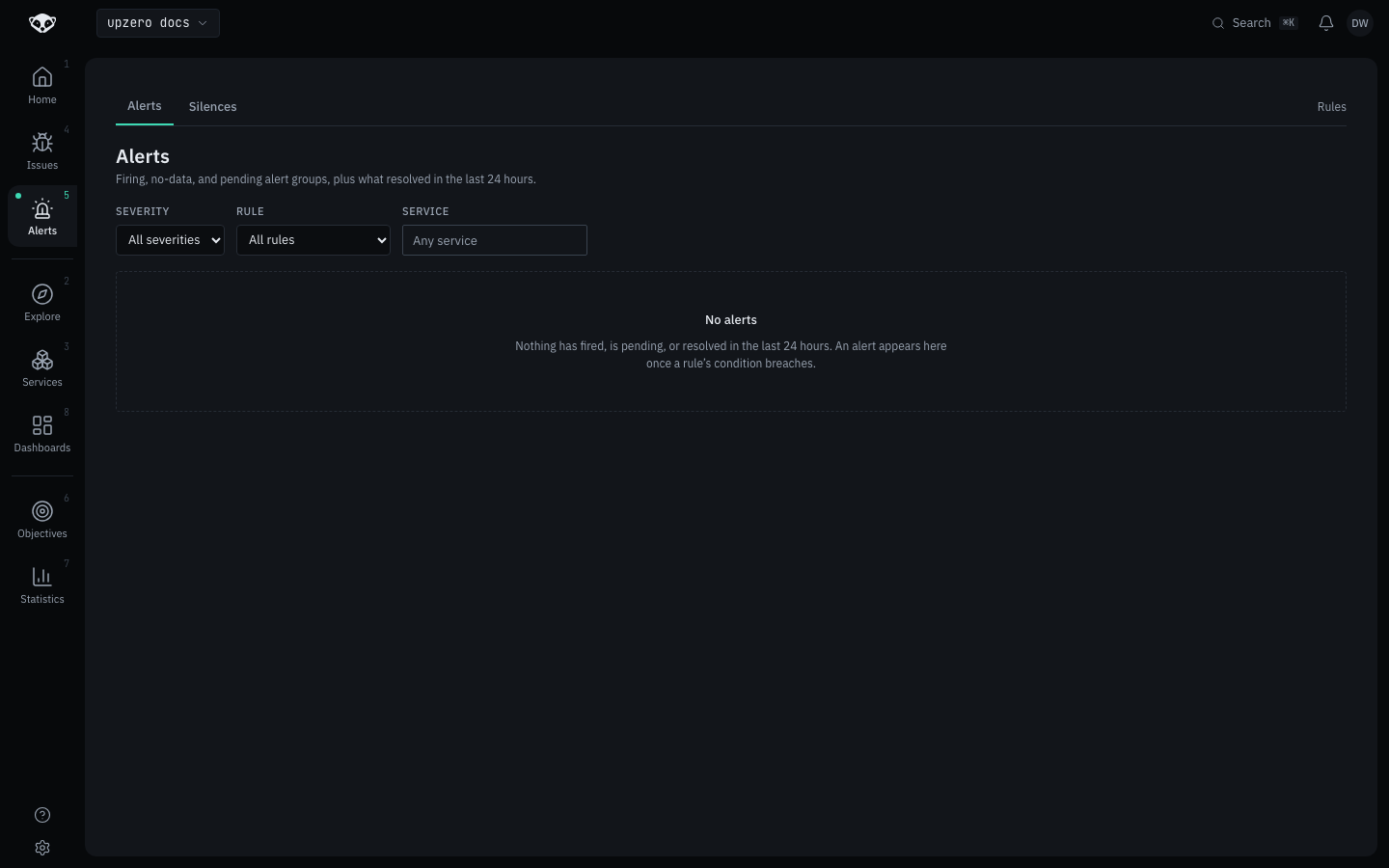
Nothing is firing here because no rule is declared on this organization, so the resolved-24h window and the pending band are both empty too. Once a rule's condition breaches, an alert appears in the matching band automatically.
Alert detail
Opening an alert shows its full state history with timestamps and member counts, the condition it evaluates, its originated incident if any, and the workflows it triggered. It also answers, in its own panel, why a given transition did or did not notify: still pending and how much longer before it fires, suppressed by a named silence, or delivery failed. That question is answered explicitly rather than left for you to infer from the state alone.
Silences
A silence suppresses notification for alerts matching a set of label matchers, without changing the alert's own state. A silenced alert still shows as firing on /alerts, it just does not page anyone: suppression hides the page, not the truth.
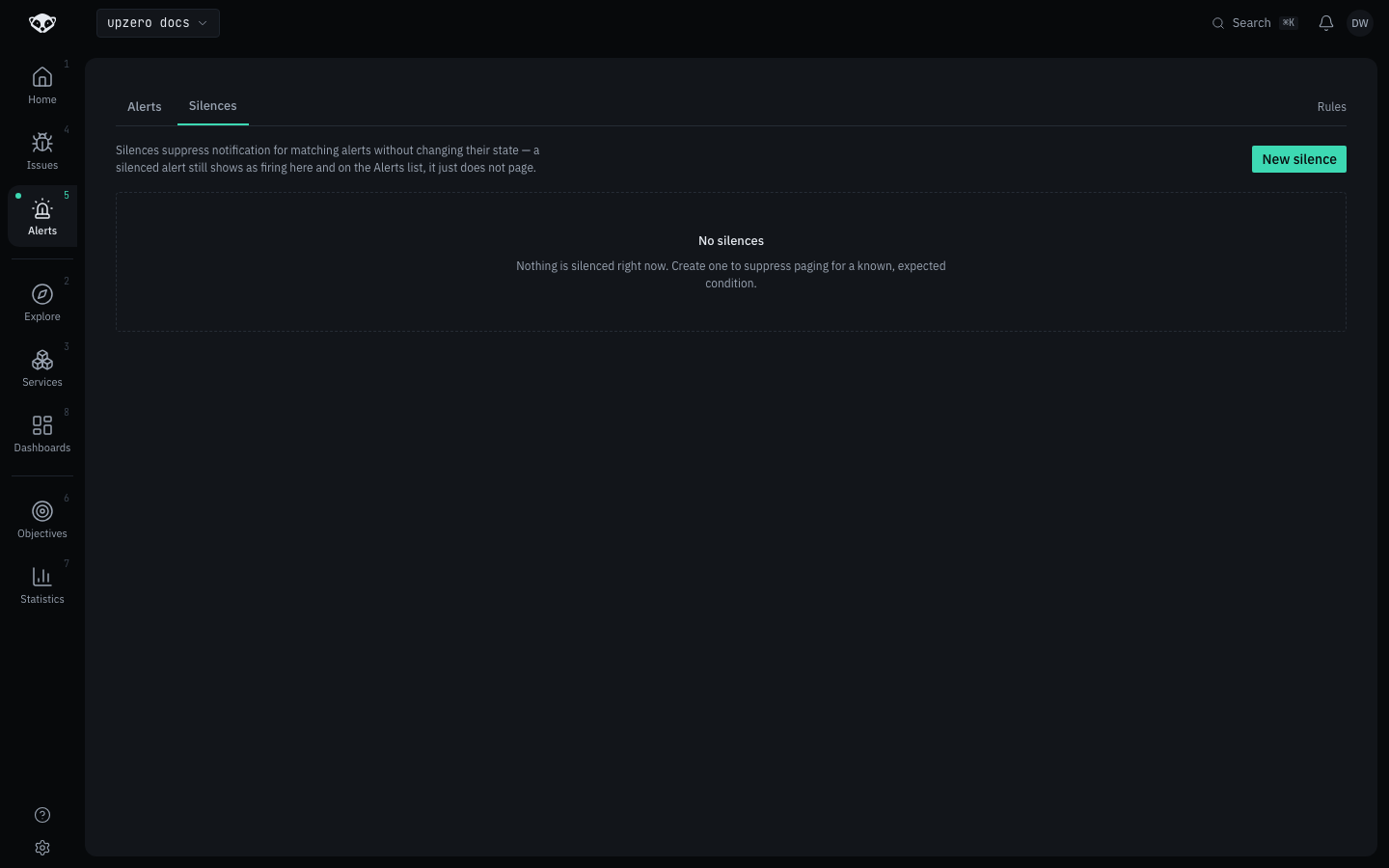
Creating a silence needs at least one matcher; an empty matcher set is refused, since a silence matching everything is almost always a mistake. An invalid matcher regex is rejected at creation time rather than at match time, so a broken silence can never suppress or fail to suppress unpredictably later. Silences match against the union of the rule's own filters, its declared labels, and the alert group's labels, not against the rule's name.
Expiring a silence early restores notification for a still-firing alert within the same evaluation cycle. Expiring an already-expired silence is idempotent rather than an error, and an expired silence stays readable, its history is not deleted.
The console shows active, scheduled and expired silences as three visually distinct sections, and creating one from the console validates the matcher before saving.
Maintenance windows are a source of silences
A maintenance window declared on a status page component generates a silence automatically, covering exactly the window's start and end time, rather than being a second suppression mechanism you configure separately. Editing the window's times moves the same silence rather than creating an orphan. A window on a component with no linked monitor generates no silence, since there is nothing for it to point at, and the sync settles rather than re-diffing that component forever.